Introduction to Voki
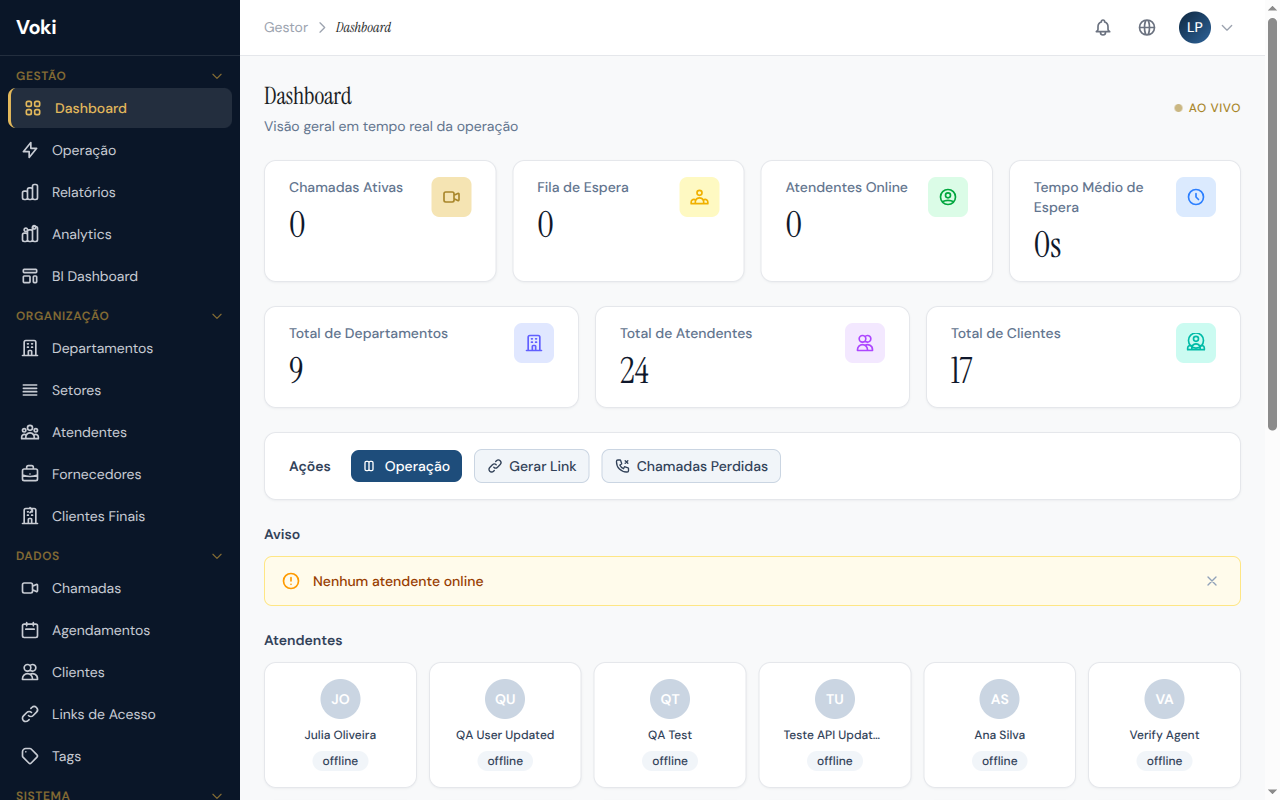
Voki is the professional video call platform developed by Avanter to transform the way your company serves clients. With cutting-edge technology and an intuitive interface, Voki enables video, audio, and chat interactions directly in the browser — no installations, no complications.
What Voki does for your company
The platform was designed for customer service teams that want to deliver an in-person experience even from a distance. Each company receives its own isolated and secure environment, with full control over departments, teams, and settings.
Key features
| Feature | Description |
|---|---|
| Real-time video calls | High-quality WebRTC technology, directly in the browser |
| Queue management | Organize the waiting queue by department with position and estimated wait time |
| Integrated CRM | Complete registration and history of served clients |
| Call recording | Record interactions for auditing, training, and compliance |
| Artificial Intelligence | Automatic transcription and AI-powered call summaries |
| Reports and analytics | Detailed performance indicators with CSV export |
| Embeddable widget | Integrate video service directly into your website |
| Webhooks and REST API | Connect Voki to your existing systems |
| 4 languages | Portuguese (BR), English (US), Spanish, and French |
Multi-tenant isolation
Each company has its own environment, database, and settings completely isolated. One company's data is never accessible by another.
Available plans
Voki offers five plans to serve companies of all sizes:
| Plan | Monthly price | Recommended for |
|---|---|---|
| Free | R$ 0 | Testing and platform evaluation |
| Starter | R$ 497 | Small businesses starting with video service |
| Business | R$ 1,620 | Growing companies needing analytics |
| Professional | R$ 3,850 | Mid-size operations with larger teams |
| Enterprise | Custom pricing | Large operations with custom requirements |
For a detailed feature comparison, see the Plans and Limits section.
Browser requirements
Voki runs entirely in the browser — no software installation required. The following browsers are supported:
| Browser | Minimum version | Support |
|---|---|---|
| Google Chrome | 90+ | Full (recommended) |
| Microsoft Edge | 90+ | Full |
| Mozilla Firefox | 85+ | Full |
| Safari | 15+ | Partial (no browser-side recording) |
Recommended browser
For the best experience, use Google Chrome in its latest version. It offers full support for all platform features, including recording and video effects.
Additional requirements
- Stable internet connection (minimum 2 Mbps upload and download)
- Working camera and microphone (for both attendants and clients)
- Browser permissions enabled for camera, microphone, and notifications
- JavaScript enabled
- Cookies allowed for the platform domain
Mobile devices
Mobile browsers (Chrome for Android, Safari for iOS) support the client experience (receiving service). The Attendant Workstation is optimized for desktop or laptop use.
Next steps
Ready to get started? Head to Signup and First Login and create your company account in just a few minutes.